Download Vision and earn rewards through research

Vision is a real-user research community. Take part in surveys and experience tasks from your phone, help brands improve, and earn redeemable reward points for eligible valid participation. Get public research from the app stores; if a research organization invited you, use the invited study edition.

The invited Android edition requires Android 8.0 or later; iOS requires iOS 17 or later. On HarmonyOS phones, use the invited study edition.

Why download Vision

Vision turns your real experiences into something valuable. Take part in research to help brands make better decisions, and earn redeemable rewards for eligible valid participation — you decide whether to join each study and review its privacy boundaries before starting.
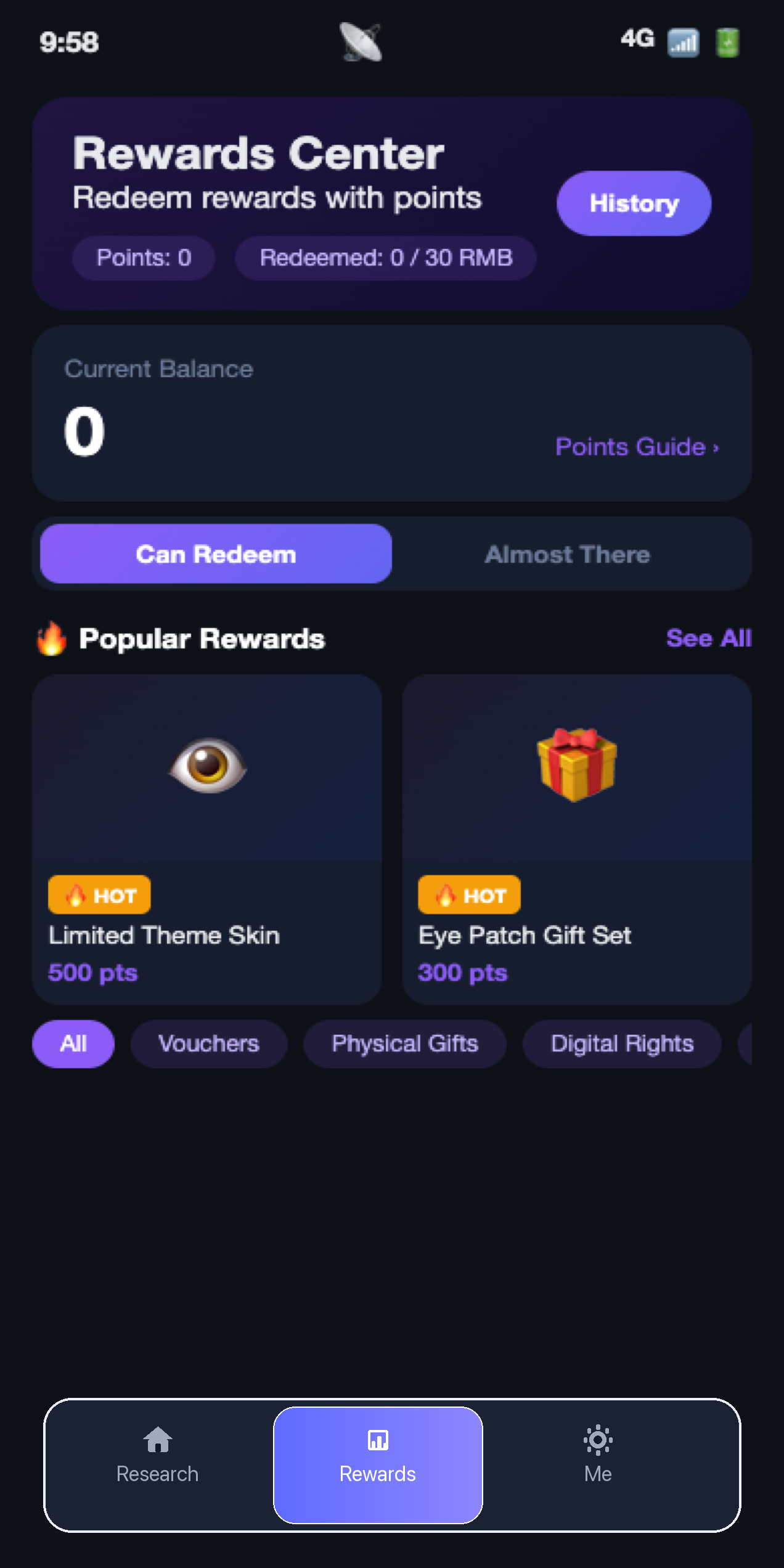
  • Join research tasks and earn reward points Complete surveys and everyday experience tasks. Eligible valid participation can add reward points to your account.
  • Join the community and receive matched invites You may receive research invitations that match your background and interests; available studies depend on each research scope.
  • Rewards you can track and redeem Your reward points and their status are clear in the app. Eligible points can be redeemed for gift cards, coupons, or platform benefits where available.
  • You stay in control, privacy stays clear Each study explains its tasks and privacy boundaries before you start; each study needs your separate consent, and you can leave at any time.
Track rewards and status in the Vision app

iOS

Install Vision on iPhone or iPad, sign in, and you can see research matched to you, take part, and earn rewards.

Scan to open Vision directly in the App Store

Get it on Google Play Android phone · tablet

Android · Google Play

Install from Google Play to join public research, surveys, and lightweight experience tasks.

Scan to open Vision directly in Google Play

Android · invited study edition

Use this when a research organization invites you. Install it to take part in the studies arranged for you.

Scan to open the invited study download page on your phone

Download HarmonyOS HarmonyOS phone

HarmonyOS

For HarmonyOS phones that support Android apps. Install the invited Vision study edition to take part in research; for other HarmonyOS devices, confirm compatibility with the study team first.

Scan to open the invited study download page on your phone

Before installing

  • You need an account approved by the research organization.

  • Each study explains task requirements, permissions, and privacy boundaries before you start.

  • If Google Play Protect blocks the install, stop and contact the study team or Vision support; do not pause or turn off Play Protect.

  • If you are not sure which version to install, contact the study team or Vision support.